
Many new online stores spend too much before they make their first sale. The usual problem is not the product. It is the stack of monthly tools added too early.
If you are looking for the cheapest Shopify alternative, the real question is not just which platform costs less. It is which setup gives a new store the basics it needs without loading it with extra software.
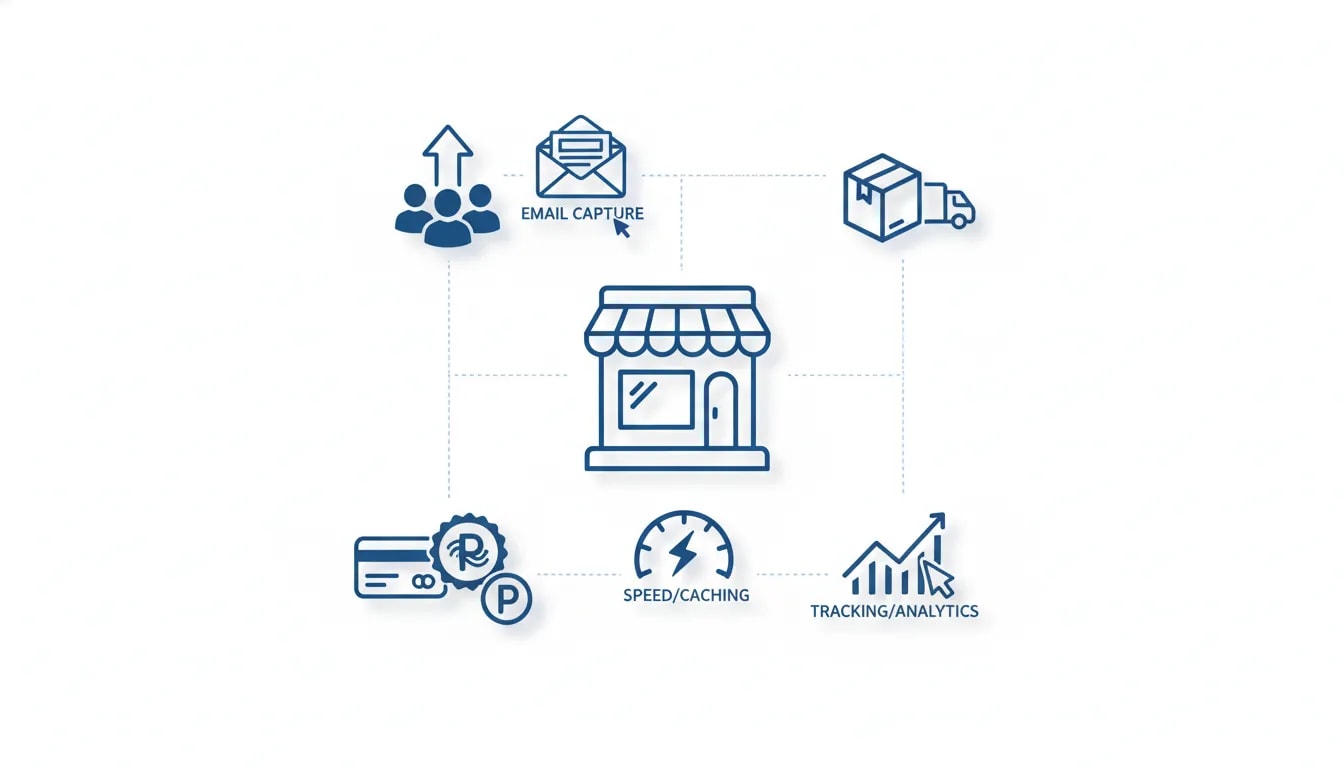
For a store at launch, the core job is simple. You need to get traffic, capture email addresses, and take payments. You also need basic speed, basic tracking, and a way to ship orders when they arrive. Much of the rest can wait.
This guide explains a practical low cost store stack built around WooCommerce, low cost hosting, and free plugins. It is for founders who want to launch fast, keep overhead low, and avoid paying for tools they do not yet need.
What is the cheapest Shopify alternative for a new ecommerce store?
For many beginners, the cheapest real Shopify alternative is WooCommerce on low cost hosting.
WooCommerce is free, open source ecommerce software that runs on WordPress. Instead of paying a monthly platform fee just to have a store, you host it yourself. With promotional hosting offers, that can bring the base cost down to about $2 per month, plus transaction fees when you actually make sales.
That matters for a new business. If your store has no revenue yet, every monthly charge cuts into cash you could use for:
Inventory
Product samples
Photography
Ad testing
Email list building
At this stage, a lean setup often beats a polished but expensive one.
Why WooCommerce makes sense for cost conscious beginners
Low price is only part of the case for WooCommerce. The other part is control.
With WooCommerce, your store runs on your own hosting. That means you own the store files, choose when to update, and decide which plugins to use. You are not locked into one platform’s fee changes or app rules.
That does not mean WooCommerce is perfect for everyone. It does mean it is a strong fit for sellers who want:
Very low monthly overhead
Control over software and updates
Access to a large plugin ecosystem
A store they fully own
WooCommerce also powers millions of live ecommerce stores. It is not a niche tool or a hobby option. It is a major ecommerce platform with a broad install base and a mature plugin market.
What a new store actually needs on day one
Many first time founders copy the setup of larger brands. That is where costs begin to pile up.
A new store does not need every feature that an established brand uses. It needs the smallest stack that can support real sales.
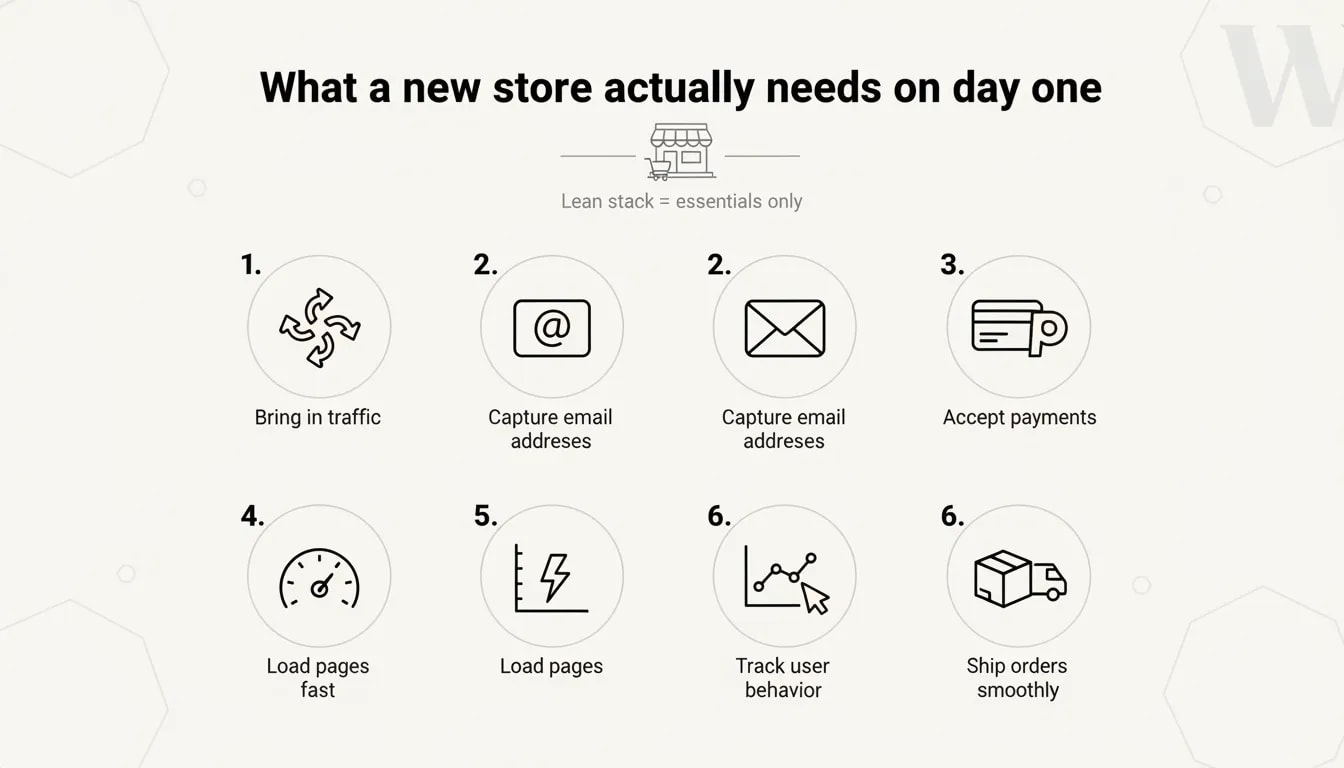
At launch, focus on six jobs:
Bring in traffic
Capture email addresses
Accept payments in more than one way
Load pages fast enough to avoid losing shoppers
Track what users do on the site
Ship orders without chaos
That framework helps you judge every app you consider. If a tool does not solve one of those jobs right now, you can usually wait.
A low cost ecommerce tech stack that covers the essentials
Here is a simple setup that keeps monthly costs low while covering the basics.
1. Hosting plus WooCommerce
The foundation is WordPress hosting with WooCommerce installed. Some hosts offer promotional pricing around $2 per month and include a free domain, free SSL, and one click WooCommerce setup.
What this handles:
Your storefront
Your product pages
Your cart and checkout
Your order management
Why it matters: This is the main cost difference between WooCommerce and a hosted platform with a higher monthly subscription.
What to check before you buy hosting:
SSL included
WordPress support
One click WooCommerce install
Reasonable speed and uptime
Clear renewal pricing
The low intro rate gets attention, but renewal pricing still matters. Look at both numbers before you commit.
2. Yoast SEO for search traffic
If you want free traffic over time, you need basic search engine setup from the start. A plugin like Yoast SEO handles the technical pieces many store owners skip.
The free version helps with:
Page titles
Meta descriptions
Schema basics
Indexing signals
Organic search matters because it can keep sending traffic after the work is done. Paid traffic stops when the budget stops. Search traffic does not move that way.
Basic SEO tasks to do before launch:
Write a unique title and meta description for every key page
Use clear product names
Create clean category pages
Submit your sitemap to Google
Avoid thin product copy
Many stores wait too long to do this. That is a mistake. SEO tends to take time, so early setup matters.
3. Omnisend for email capture and automations
Most visitors do not buy on the first visit. If you do not capture their email, they can leave and vanish.
Omnisend offers a free plan with email capture and automation tools that are useful for early stage stores. The free plan supports a limited number of active profiles and monthly sends, which is often enough for a store that has just started.
Why email belongs in the launch plan:
You own the list
You can follow up with non buyers
You can recover abandoned carts
You can sell related products after purchase
The first automations to build:
Abandoned cart sequence
Send a reminder shortly after someone leaves with items in the cart, then follow with one or two more reminders over the next two days.Post purchase sequence
Suggest related products based on what the customer bought.- A free email tool is one of the highest value additions in a lean store stack because it gives you a second chance to earn sales from the traffic you already paid for or worked to attract.
4. Stripe and PayPal for payment flexibility
At checkout, convenience and trust matter. Some buyers want to use a card. Others prefer PayPal. If you offer only one option, some shoppers will leave.
Good launch setup:
Stripe for card payments
PayPal for buyers who prefer it
Both offer WooCommerce plugins, and both typically charge transaction fees instead of monthly software fees.
Why this matters for conversion:
Some customers do not want to type card details into a store they have never used before
Some buyers keep money in PayPal and want to use it
Some international shoppers trust PayPal more than direct card entry
Stripe can reduce friction with checkout autofill for returning users
For a new store, adding both options is a simple way to remove a hidden source of lost sales.
5. WP Super Cache for site speed
Speed affects sales. Slow pages create drop off before shoppers even reach your products or checkout.
WP Super Cache helps speed up a WordPress and WooCommerce site by serving static versions of pages instead of rebuilding them on every request.
Why it belongs in a cheap stack:
It is free
It is fast to set up
It helps fix a common WordPress weakness
If your host is basic and your store has real product pages, caching can make a noticeable difference.
6. Google Analytics for store tracking
You need data from day one. Without it, you cannot answer simple but important questions:
Where is traffic coming from?
Which pages get visits?
Where do users leave?
How long do they stay?
Which channels lead to sales?
Google Analytics gives you the baseline. The key value is not the dashboard itself. It is what the data lets you fix.
If you install it on day one, you build a history of behavior. That helps when you later notice weak pages, poor search use, or a checkout step that loses customers.
7. ShippingEasy or Amazon fulfillment if you need order handling help
Shipping often becomes a problem only after orders start coming in. By then, the pressure is higher.
If you plan to fulfill orders yourself, ShippingEasy offers a free plan for low monthly shipment volume and can pull WooCommerce orders into one place. That gives you labels, carrier access, and a cleaner workflow.
If you already use Amazon for fulfillment, a WooCommerce connector can send orders from your store to Amazon’s network for picking, packing, and shipping.
The point is not to overbuild fulfillment. It is to have one workable process before your first batch of orders arrives.

How much can this kind of store setup cost?
The core idea is simple. The store software and the key plugins can be free. Your main fixed cost is hosting.
Typical launch cost in this lean model:
Hosting: about $2 per month on a promo rate
WooCommerce: free
Yoast SEO: free version
Omnisend: free plan
Stripe and PayPal plugins: free
WP Super Cache: free
Google Analytics: free
ShippingEasy: free plan at low volume
You will still pay payment processing fees per transaction. That is normal. But those costs happen when revenue happens, which is very different from stacking monthly software costs before the store earns anything.
Who should use WooCommerce instead of Shopify?
WooCommerce is a good fit if you are in one of these groups:
First time founders with very little startup budget
Product businesses testing demand before investing in a larger stack
Sellers who want control over hosting, code, and updates
Existing store owners trying to cut unnecessary software spend
It may be less ideal if you want a fully managed platform and do not want to deal with hosting, updates, or plugin setup. The tradeoff for lower cost and more control is that you take on more responsibility.

What many new store owners get wrong
A low cost stack works only if you stay disciplined. The common mistake is not choosing the wrong platform. It is installing too much too soon.
1. Adding apps without a real problem to solve
Review apps, loyalty tools, upsell engines, and advanced design features all sound useful. But if you have no traffic, no orders, and no customer data yet, many of these tools solve future problems, not current ones.
Rule to use: Add a tool only when you can name the exact problem it solves today.
2. Ignoring email until traffic grows
This is backwards. If you wait to set up email capture, the early visitors you lose are gone. Build your list from your first visitor, not your thousandth.
3. Relying on one payment method
Offering only card payments or only PayPal is a quiet way to lose buyers. You may never see the lost sales in your reports because those shoppers leave before they start checkout.
4. Skipping analytics
Without analytics, you are guessing. You cannot improve what you cannot see.
5. Treating software as the growth engine
Your product, audience, offer, and positioning drive demand. Software supports that. It does not replace it.
A simple launch checklist for a cheap WooCommerce store
If you want a lean setup, use this list.
Before launch
Buy hosting with SSL and WordPress support
Install WordPress and WooCommerce
Add your domain
Create core pages such as home, shop, product, cart, checkout, contact, and policy pages
Install Yoast SEO and set up titles, descriptions, and sitemap
Install Omnisend and add an email capture form
Build an abandoned cart sequence
Connect Stripe and PayPal
Install WP Super Cache
Install Google Analytics
Set up a basic shipping flow with ShippingEasy or your preferred method
After launch
Check site speed
Test checkout on desktop and mobile
Confirm cart emails send correctly
Review analytics weekly
Watch where users exit
Delay non essential tools until a real need appears
When should you add more apps?
You should expand your stack only when a clear need shows up in data or in operations.
Examples of valid reasons to add software later:
You have enough orders that shipping manually is too slow
You have enough traffic that product reviews could help conversion
You have repeat buyers and want a loyalty program
You have enough data to support upsell or cross sell testing
You need stronger search, filtering, or merchandising tools
That is very different from installing these tools before there is any proof they will pay for themselves.
What this setup does not solve by itself
It is important to be clear about limits. A cheap store stack lowers cost. It does not create demand.
This setup will not fix:
A weak product
Poor pricing
Bad product photos
Unclear positioning
No traffic strategy
If your store is not converting, the software may not be the issue. Look first at the product page, trust signals, price, shipping clarity, and the fit between the offer and the audience.

WooCommerce vs Shopify for a new store on a tight budget
If the main concern is keeping fixed costs low, WooCommerce has a clear edge.
WooCommerce strengths for beginners:
Low entry cost
No required platform subscription at Shopify level pricing
Full store ownership
Flexible plugin choices
Shopify strengths for beginners:
Simpler hosted setup
Less direct responsibility for hosting
A more managed environment
The real choice is this: Do you want lower cost and more control, or a more managed system with a higher fixed monthly bill?
For many new stores, keeping costs low early is the safer call.
How to decide if a software expense is worth it
Before you add any paid app, ask these five questions:
What exact problem does this solve?
How often does that problem happen?
Can I measure the impact?
Is there a free option that covers the basic need?
Will this app pay for itself soon?
If you cannot answer those questions clearly, wait.
Best use of the money you save
If you save hundreds a year on platform and app fees, put that money into things that can change results faster.
Better uses for early cash include:
Inventory testing
Product photography
Samples and quality control
A small paid traffic test
Email capture offers
Landing page copy improvements
For a new store, these often matter more than advanced software.

Final takeaway
If you are searching for the cheapest Shopify alternative, the best answer for many new sellers is not a long list of apps. It is a lean WooCommerce setup with low cost hosting and a few free tools that cover the basics.
Start with what your store needs right now:
Traffic
Email capture
Payments
Speed
Tracking
Shipping
Then add software only when the business gives you a clear reason. That keeps fixed costs low, protects your cash, and makes it easier to reach profitability sooner.
Frequently asked questions
Is WooCommerce really cheaper than Shopify?
It can be much cheaper at the start. WooCommerce itself is free, so your main fixed cost is hosting. With a low promo hosting plan, the base monthly cost can be about $2. Shopify has a monthly subscription on top of payment processing fees.
Can you build an ecommerce store for $2 a month?
You can get close to that for the base store setup if you use low cost hosting and free plugins. You will still pay payment processing fees when sales happen, and some tools may later require paid plans as your store grows.
What are the must have plugins for a new WooCommerce store?
A practical starter set includes an SEO plugin such as Yoast SEO, an email platform such as Omnisend, payment plugins for Stripe and PayPal, a caching plugin such as WP Super Cache, Google Analytics, and a shipping tool if you need help fulfilling orders.
Do I need both Stripe and PayPal?
For many stores, yes. Offering both gives shoppers more choice and can reduce checkout drop off. Some buyers want to pay by card. Others prefer PayPal for trust or convenience.
Should a brand new store invest in SEO right away?
Yes. Basic SEO setup should start before or at launch because search traffic often takes time to grow. Waiting too long delays that process.
When should I start email marketing for my store?
Start on day one. If you wait until traffic grows, you lose the chance to capture early visitors and recover early abandoned carts.
What is the biggest mistake new ecommerce stores make with software?
They add paid apps before they have a real need for them. That increases monthly overhead without improving the product, the offer, or demand.
Is this setup enough for a real business?
Yes, for a new store. It covers the core jobs of bringing in traffic, capturing leads, taking payments, tracking behavior, and shipping orders. As the business grows, you can add tools based on actual needs.
